SkipQ - Skip the Airport Queues
SkipQ is a mobile app to let you do all airport shopping & more at one place.
Although this was supposed to the the MVP, it had a very big list of features; in my opinion, it was almost too much for the start. But to have all areas functional, it would highly depends on the airport the app is being used to.
This is what the brief was about: Help user get to/from airport and do the airport shopping. No, this is not about the itinerary management, but rather the shopping experience.
The Core
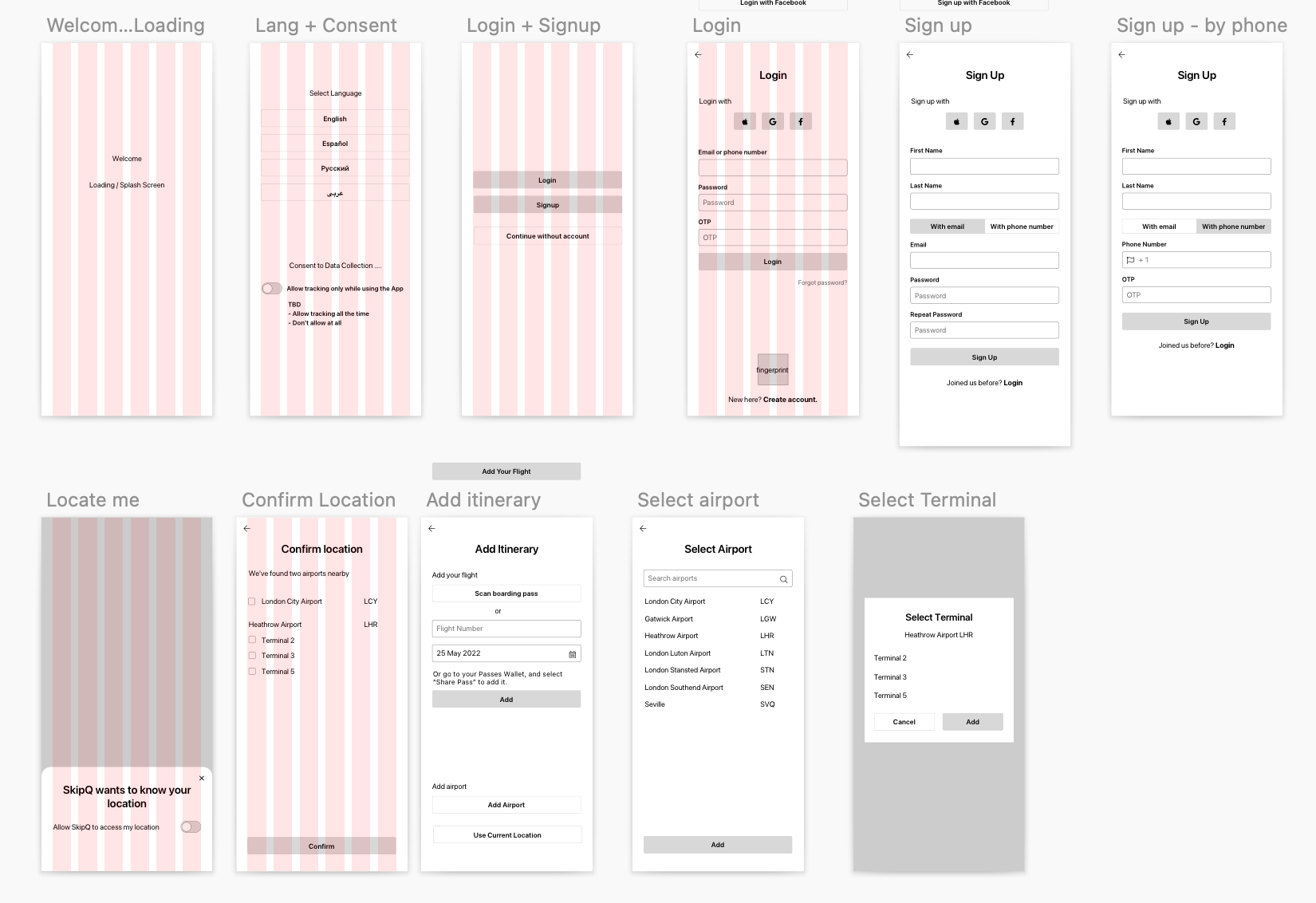
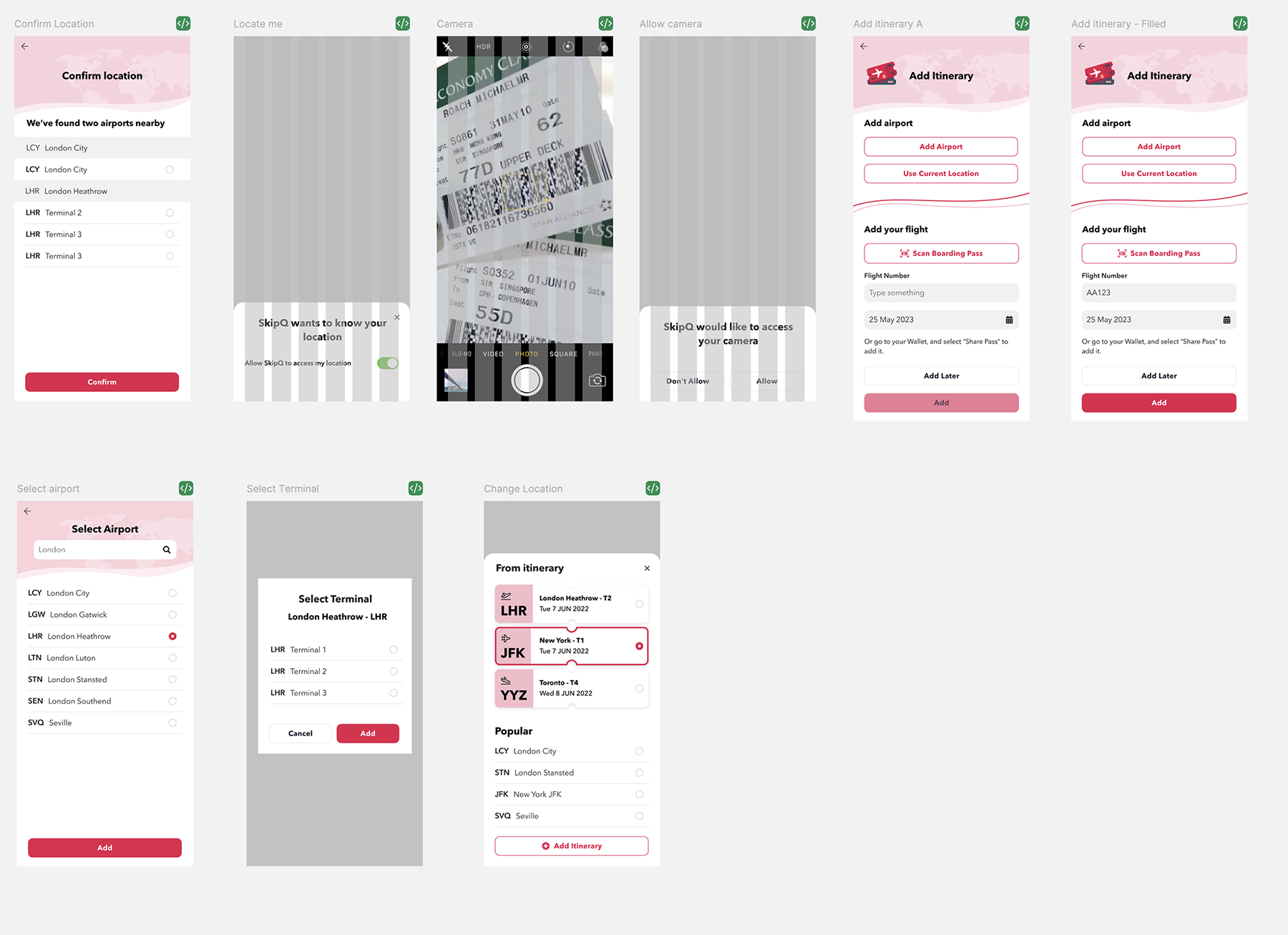
Getting the user' location
Without correct location and showing information for the correct airport, the app is pretty much the dead end. The process of adding your boarding pass/flight/itinerary to know which airports user is going to travel thru, has been designed to consider various options - from scanning the physical boarding pass, to entering a flight number and date to manually searching for the airport or even skipping it.
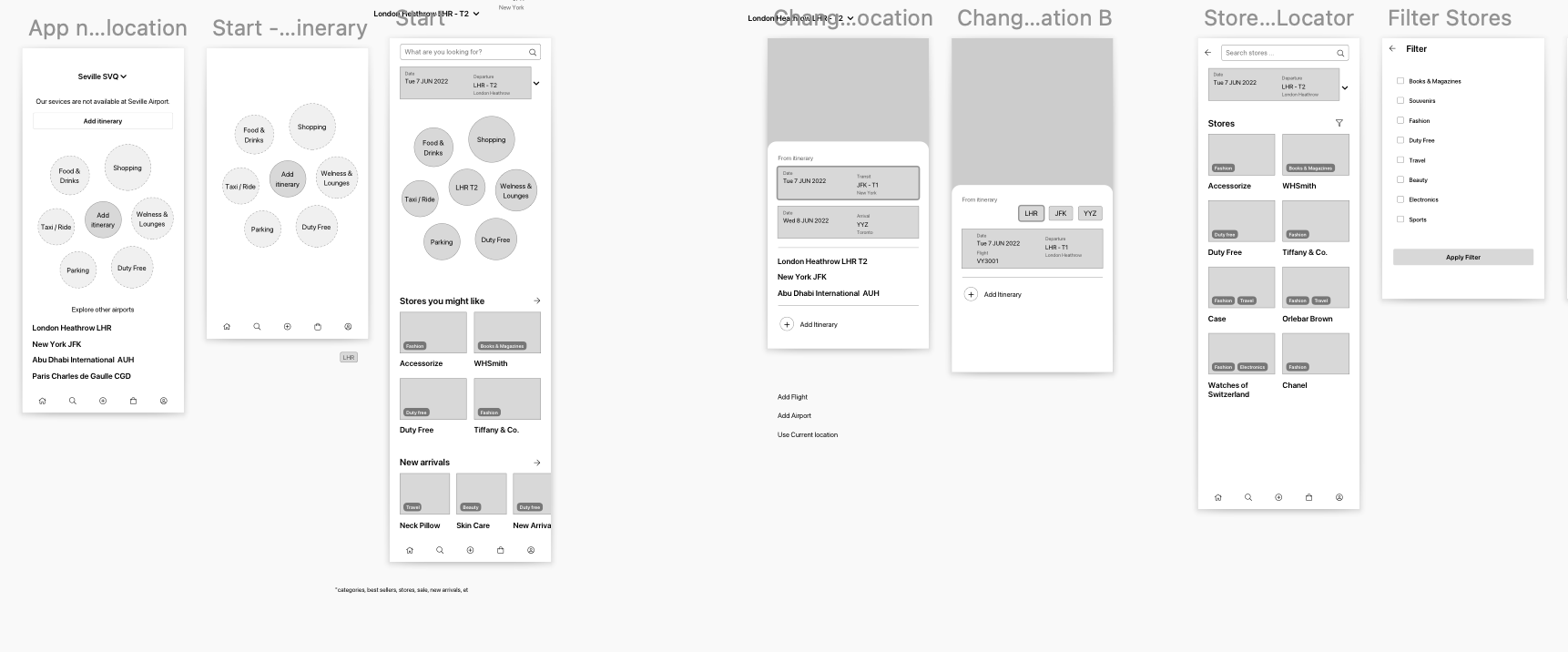
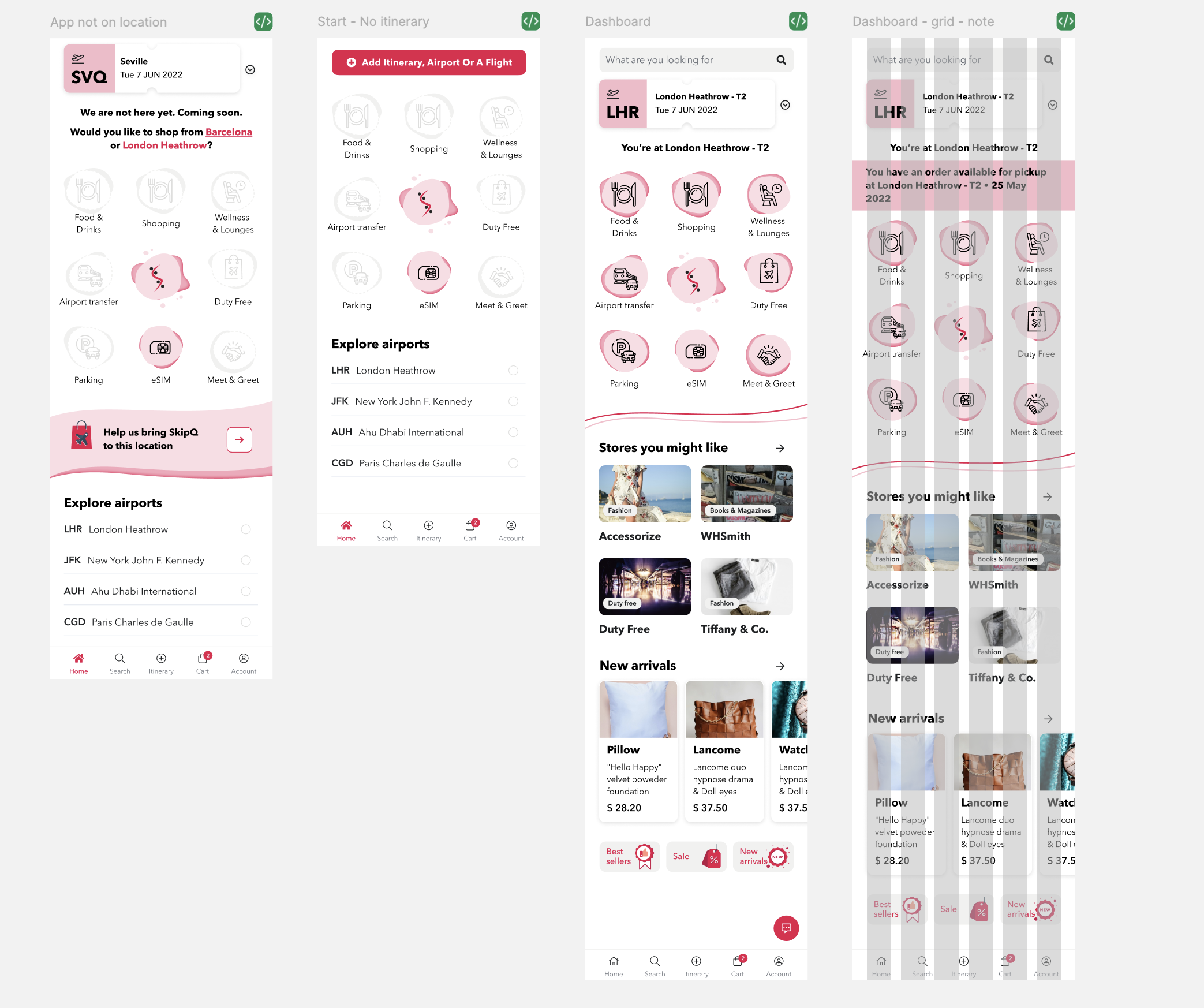
Central (main) screen
The main screen has multiple variations, based on if the user has added the itinerary, if what SkipQ services are available at the airport and if the user has an order available to pick up. It also makes it possible to change the location, show popular stores and items.
Modules
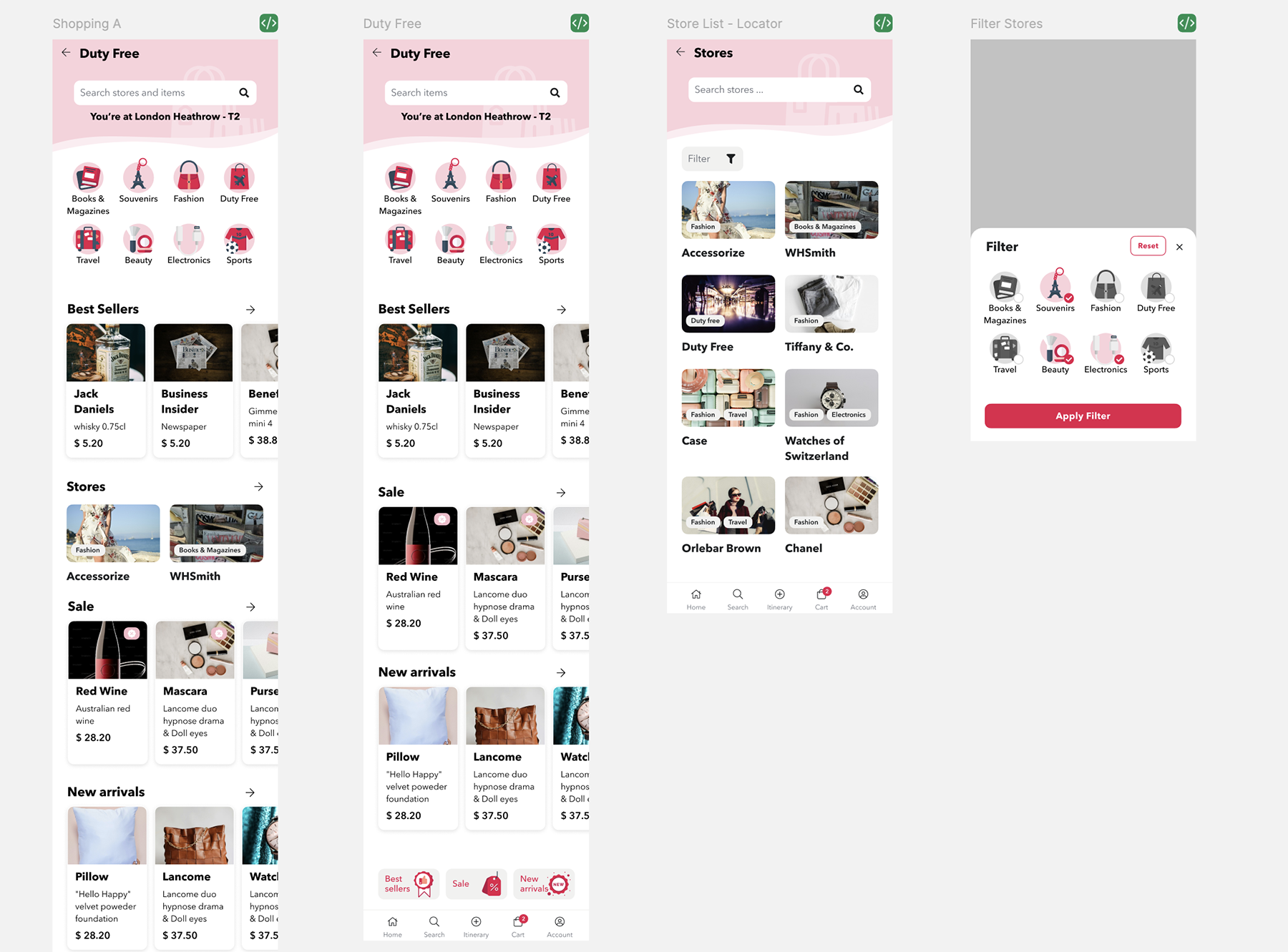
The app is based on modules which pretty much operate independently and might be on or off for some locations.
-
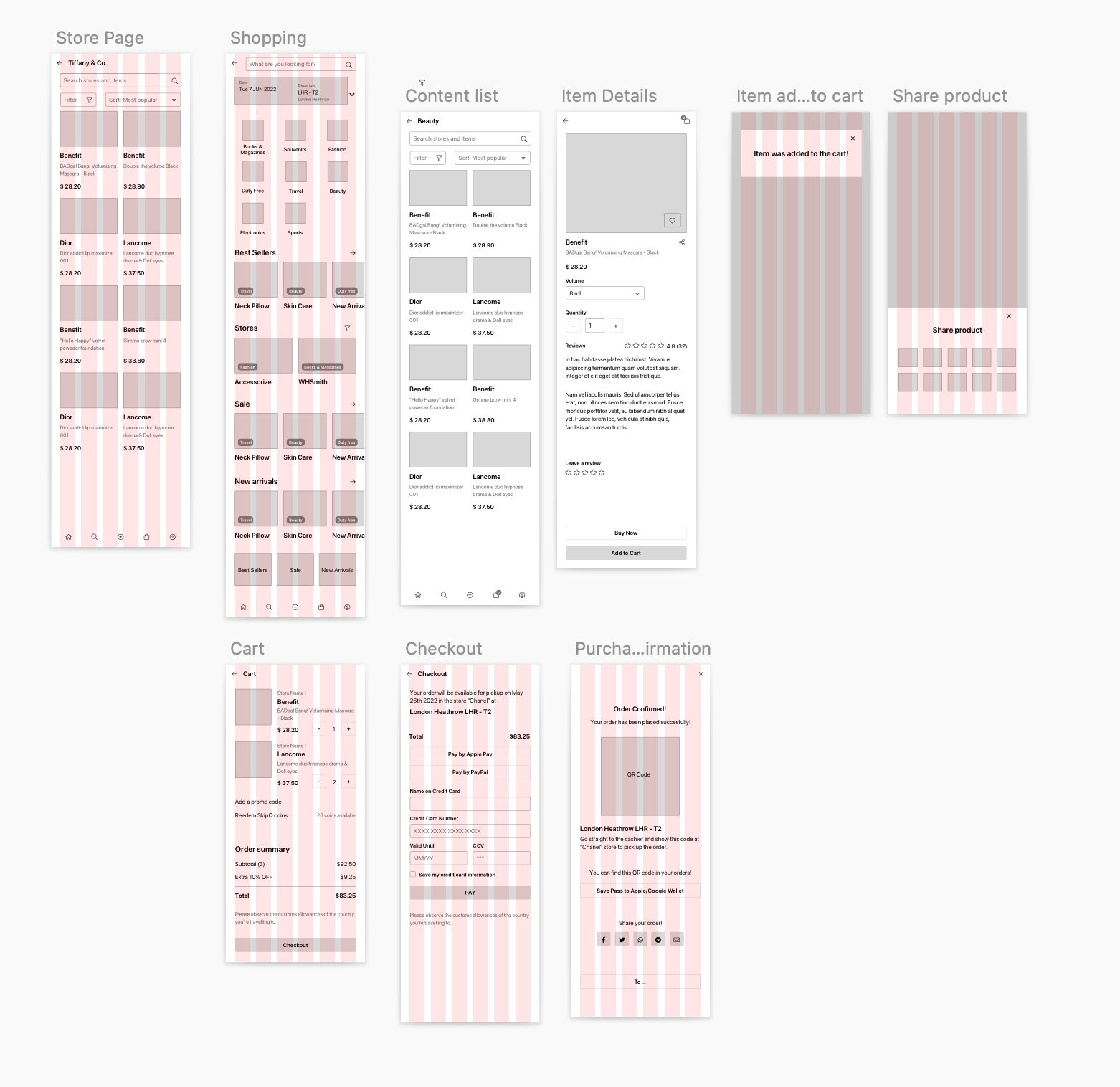
Shopping - User is able to search for shops at the airport (depending if airport is outgoing, transit or a destination)and purchase and item. They can also add the review.
-
Duty free - Duty free shops are very popular at the airports. For this module, user can filter down items by category so they can find faster what’s available. Buy an item.
-
Wellness & lounges - Purchase a lounge entry including add-ons, such as extra services, or meals, etc.
-
Food & Drink - See the restaurants available and filter them by different type. See restaurant’s menu and place an order.
-
Airport parking - Overview of different airport parking options & booking a parking.
-
Airport transfer - See transport options available for the airport, mostly private taxi or train. Book a private taxi, or an airport train ticket.
-
eSim - Select a desired country for eSim and see available plans and make a purchase. Check for compatibility of the device before placing an order.
-
Meet & Greet - Meet and greet was the only module to be added in phase 2.
Common things
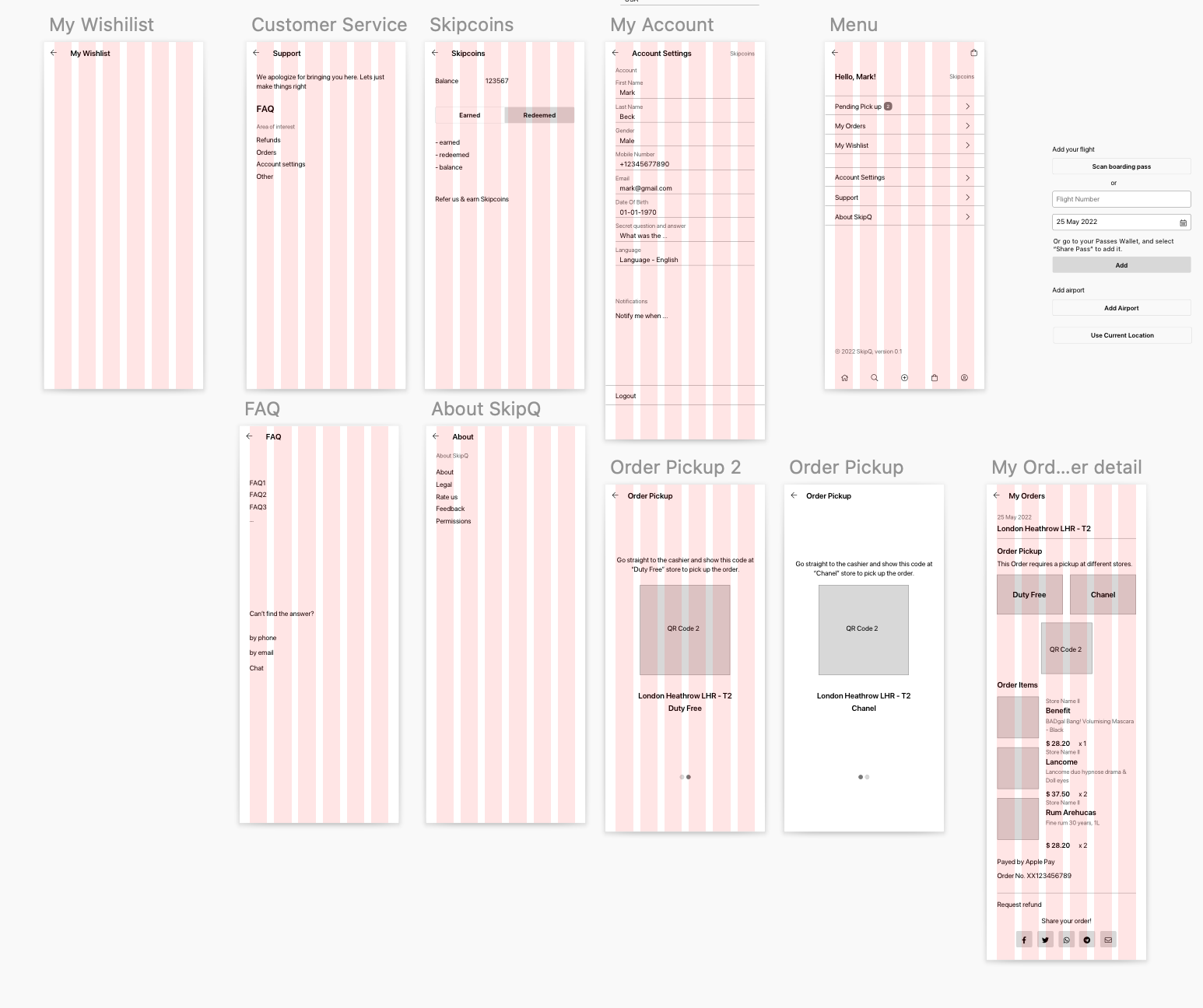
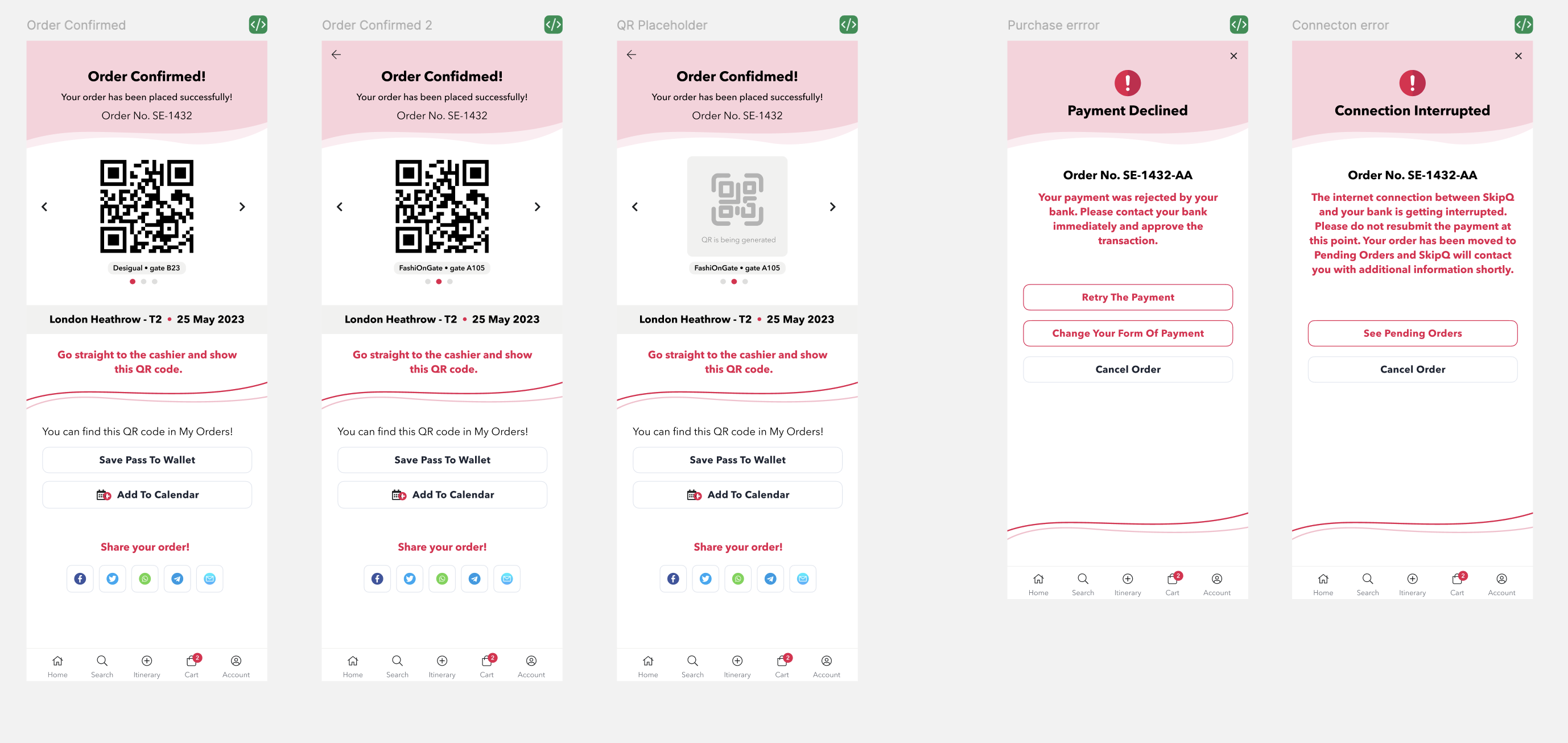
Checkout process, orders available for pickup, reminders, notifications, collecting coins, reviewing, user area …
UI & Other Visuals
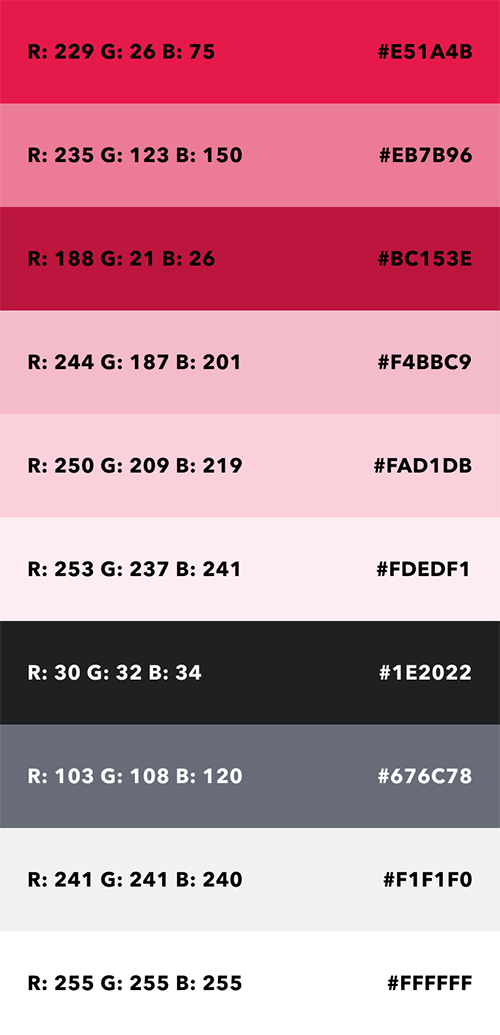
Visual styles were still flexible and to be developed during the design process - with only requirement of hot pink (branding) and white, and to use the organic shapes. For example, in the app’s main screen, the items were placed in 3x3 grid initially, but were later updated to more organic circular shape.
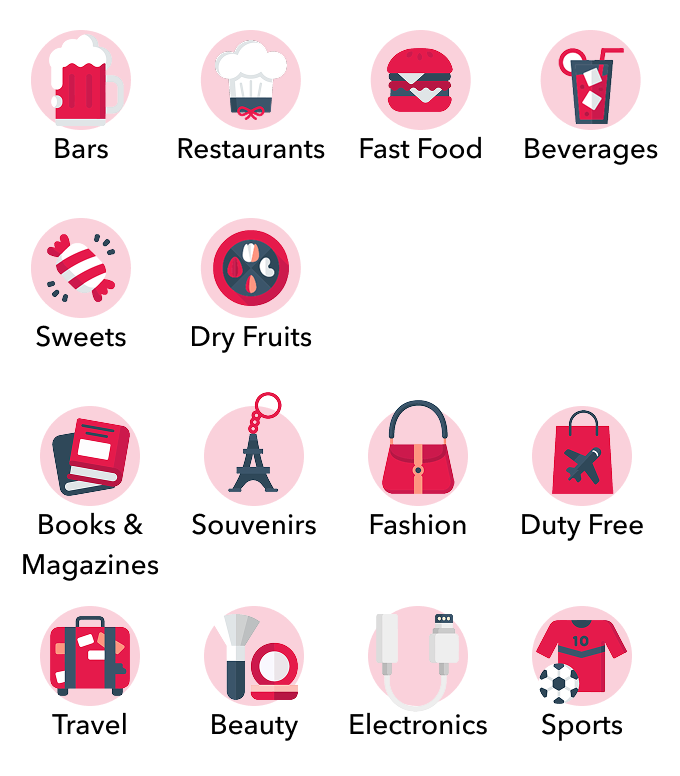
The app actually uses two (well, three, to be really precised) sets of icons (main screen, filter, and UI components like buttons & navigation). While I’d prefer to opt in for only one, the client wanted it that way.

Final Preview


